Archive for : May, 2012

Concrete Delivery for the Pier Base

Today the concrete was delivered by Gemmix. This time the concrete was not delivered pre-mixed but actually mixed on site, as you need it. This is a brilliant way to go as you only pay for what you need. I asked for a C35 mix again, but an equivalent mix called a P340 was used.

We built a level frame out of wood for the pier base, and then began wheelbarrowing the 20 or so loads it took to fill the hole. My Dad levelled out the pier base and used a board to flatten it and then a float to get it nice and smooth.

I actually used about 4 barrow loads more than my cubic metre I ordered, so the bill in the end for the delivery was £211.20 inc VAT, originally the cubic metre was priced at £182 inc VAT.

The mixture is now setting and should take about a week to completely set, so next up is the slab laying and drilling the pier holes in a few days time.
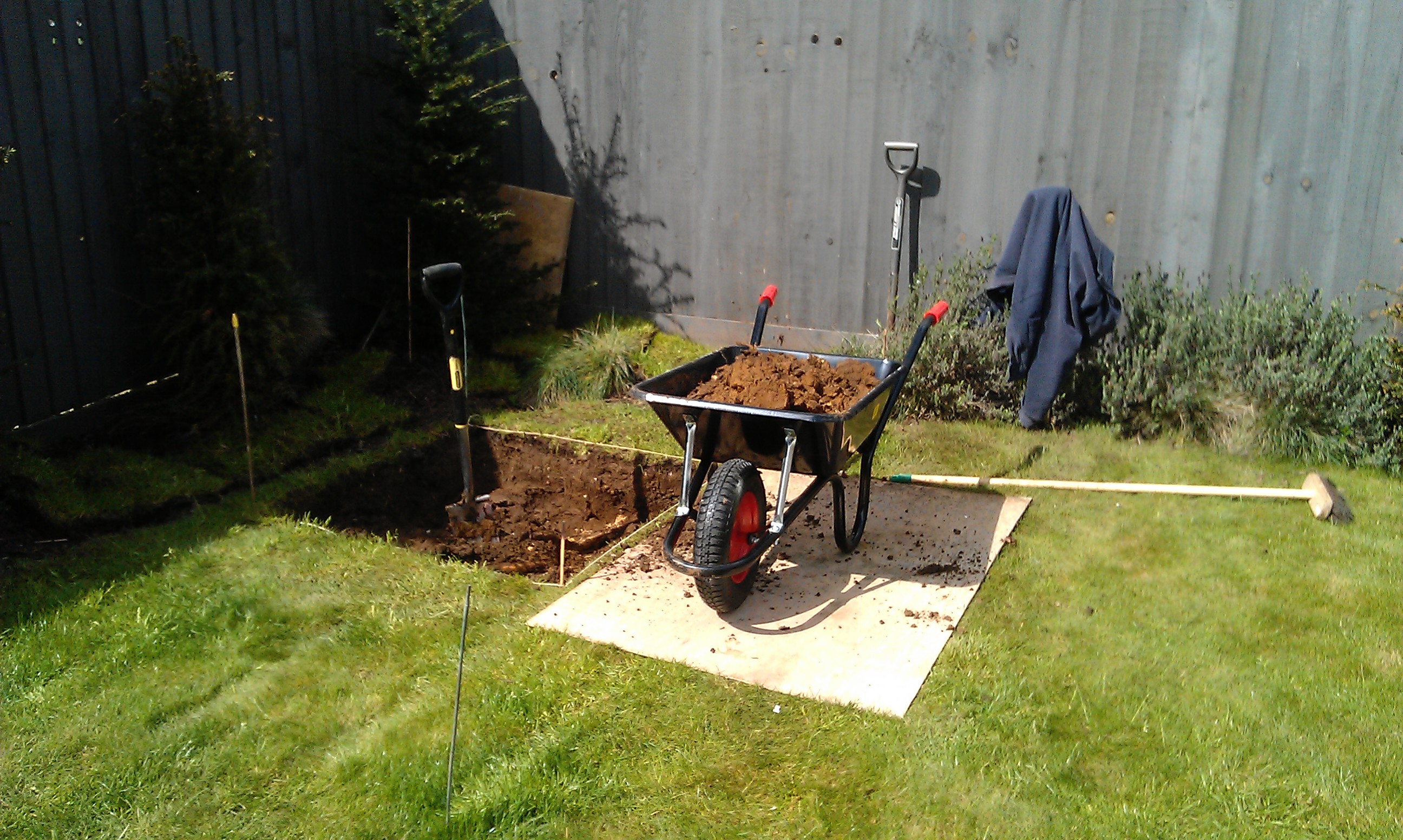
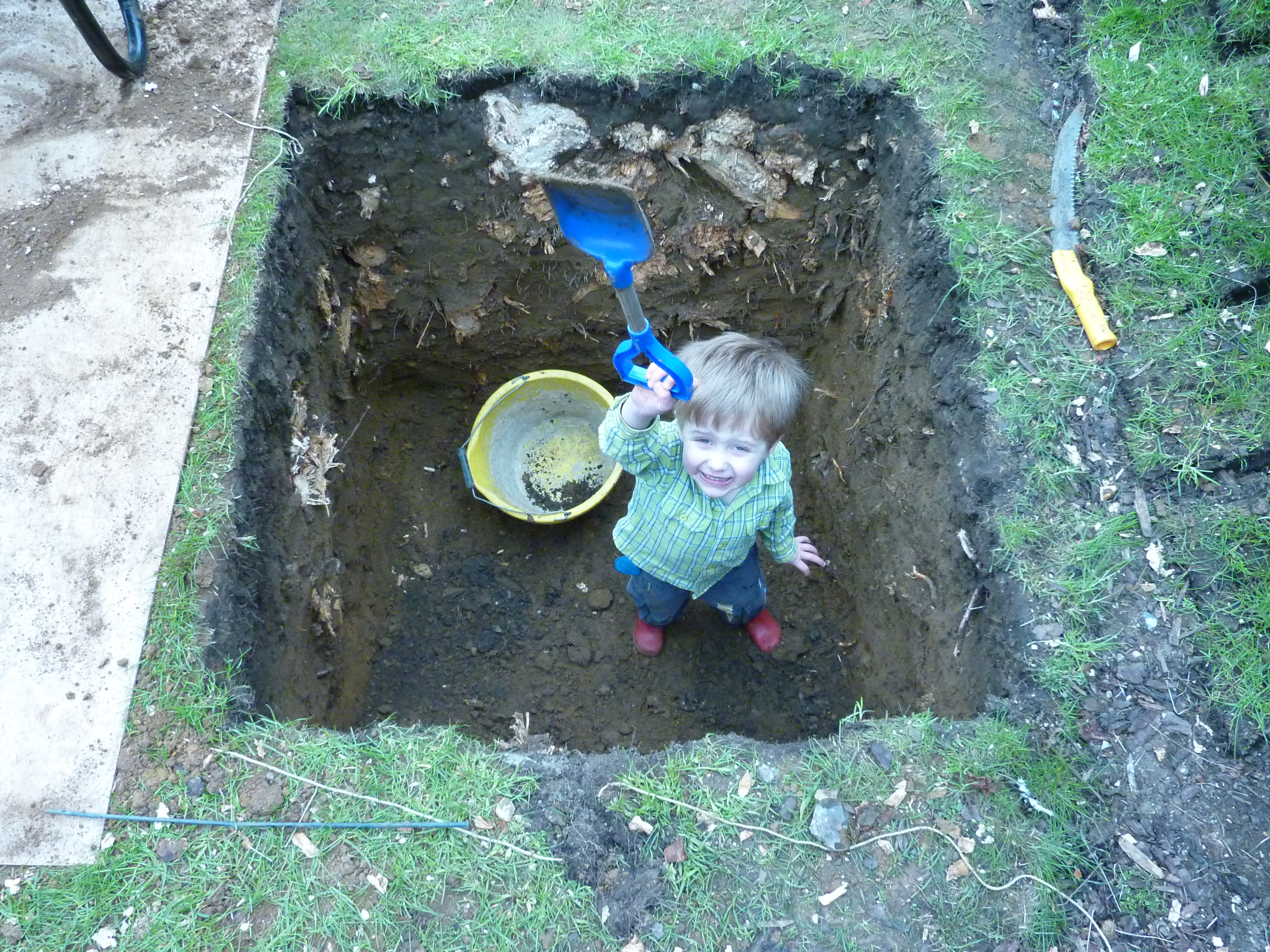
Digging the hole for the pier base

As I have just moved to a new house, it was now time again to build the shed observatory.

I did all this about 3 years ago, so it does not seem that long ago, plus this time it should be a lot easier as the shed is in pieces, with the pent shed observatory all ready to go and the insides of the shed are all ready and in pieces, so in a  way it’s like putting a jigsaw together.

The shed is again going to face north/south, with the door being on the northern side, I mapped out the location in the garden for it in the corner. Making sure to check that the opening of the roof had enough room to open so it did not hit and cleared the neighbours fence on one side.

Again I was going to dig a 1 cubic metre hole, so I began by ordering a skip, last time I had a 2 yard skip, but I remember that the smaller skips don’t have an opening. So you can’t walk into the skip with the wheelbarrow and dump the soil. So this time I ordered a 3 yard skip, this does not have opening doors either, but it does have low ends, which means you can use a plank to walk the wheelbarrow into the skip. Just to note I paid £95 for the skip.

I knew there used to be a tree in the corner I was digging, but was amazed to find a lot of the tree roots just underneath the turf line. I actually started using a jigsaw to cut through the smaller roots, but there was also roots as thick as my leg. This meant that I had to borrow my dads longhandled axe to get through them all, which was hard work,

I suppose one good thing about digging around the base of a tree is that the soil was pretty good condition, as last time I dug this hole I went through builders rubble, brown clay and then grey clay at my old house.

Next it’s time to order the concrete.


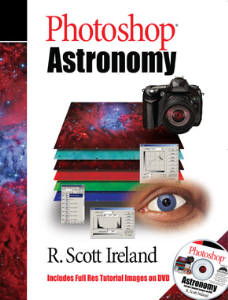
Photoshop Astronomy Book Review

Photoshop AstronomyPhotoshop can be a hard program to get used to when it comes to preparing your astronomy images. Plus there are so many shortcuts and ‘black box’ type actions that imagers must use to make the kind of ‘woweee’ type images. But where do you learn all the tips and tricks, there certainly are not many training courses (though the Ian King ones are good!) there are no DVDs, and hardly any books on the subject. But at last there is a book on using Photoshop for Astronomy.

The book begins by looking at the digital darkroom, and everything you have in it. This includes your monitor and how to colour calibrate it, external hard drives and photo printers and accessories. There is also a section describing the details of the various digital image file formats. At the end of this chapter there is a simple recommended image processing workflow.

Chapter Two covers colour management, and how to calibrate your monitor and your printer, soft proofing, and it covers the various colour models – such as RGB, CMYK and HSB.

Photoshop Astronomy is an amazingly detailed book on how to manipulate your astronomy images to get the best out of them. Each step is shown in great detail.

The only downside to the book is that none of the images are in colour, only black and white. When you are paying nearly £50 for the book new, you would have thought we could have had some colour images and screenshots.

A CD accompanies the Photoshop Astronomy book which includes lots of different images to work on in order to hone your imaging skills. The CD contains example images from Chapter 2 to Chapter 12. The author has also included the final images on the CD, so you can see how they should or could look once completed.

My copy of Photoshop Astronomy was purchased from SCS Astro