Netgear DGN3500 Review
Posted on: March 3, 2010 /
I have been waiting for a Netgear Gigabit modem/router for ages, and at last one has been released. It’s called the DGN3500. At the time of writing it seems to be retailing for around £110 delivered, but I did not want to pay this much, so I decided to buy it from Pixmania for £81 + P&P. I had only ever purchased one thing from Pixmania before and that was my astronomy webcam my Philips SPC900.
I ordered the Netgear DGN3500 on a Thursday morning at 8am and received the item via Fedex on Monday morning, not too bad considering it came from South of France. It’s also fun tracking your parcel on the Fedex website as I saw it come up to Paris and then arrive in Stansted and then come to Cambridge.
I previously had a Netgear DG834G for around 5 years, and it was the first wireless router I ever bought. It has been rock solid for all those years and is still going strong, and it never needed rebooting or anything. All I did was keep feeding it the latest firmware. So I opted for another Netgear.
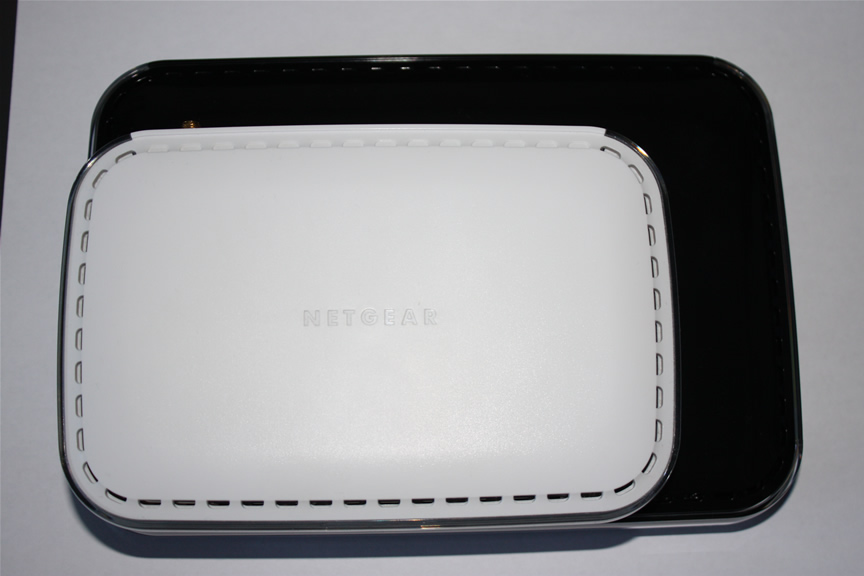
The first thing that strikes you is the increased size of the DGN3500 compared to my DG834. Something you’ll see below in the image:
I had hoped that I would export all my settings from my old router and then just import them into the new router, but unfortunately this did not work, so I had to manually enter my settings. This is not really a problem as the admin panel looks the same as I was used to.
As most of my PC’s now have gigabit ethernet I was looking forward to increased speed over the network. I currently had a mixture of Cat5 and Cat5E network cables. I was happy to see that the Cat5E cables all provided gigabit connectivity as on the router it shows gigabit in green and 10/100 as orange.
Even though the Cat5E cables are fine for gigabit I still ordered a couple of 3m Cat6 cables to see if I could get more speed, but I can’t really tell that I have gotten any extra speed.
One new thing with the DGN3500 is that it has a USB socket on the back allowing you to connect a USB hard drive or stick pen for network attached storage. I have plugged in a 16GB USB pen for temporary storage purposes. You can set this up via the netgear control panel and provide password access, or add folders to it, you can even specify if only certain USB drives are allowed to be connected to the DGN3500 modem router.
Something new for me is that the DGN3500 has an on/off switch on the back as well as a reset switch.
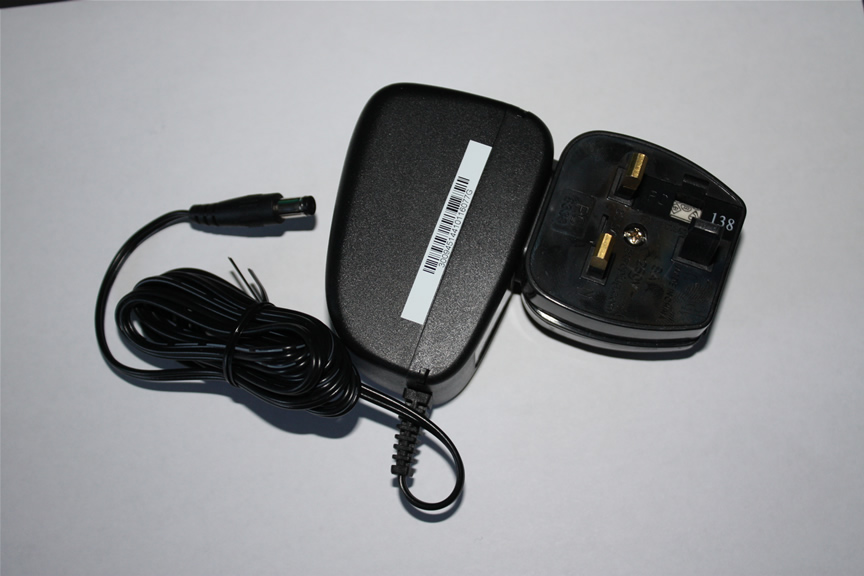
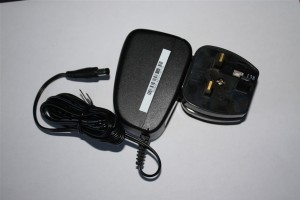
As Pixmania is a French company some people are worried about plugs being 2 pin plugs etc. But don’t worry Pixmania provide a 3 pin plug adaptor which just clips onto the 2pin adaptor – brilliant!
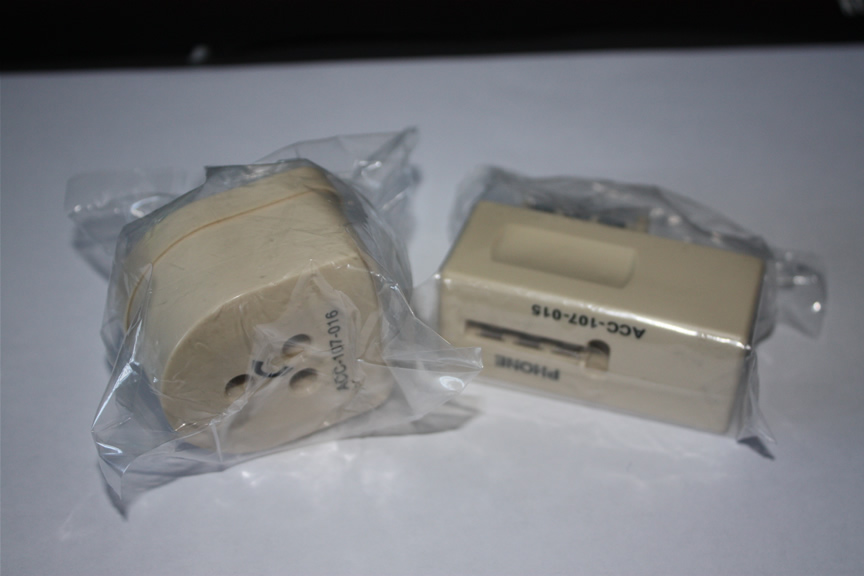
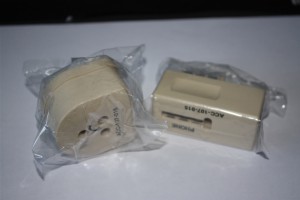
The only other difference from buying from Pixmania is that they the European version does not include the standard UK white phone filters, but instead you get some strange French phone adaptors pictured below. But if you already have phone filters you probably won’t need any more of them, and if you do I am sure they are cheap to buy.
Overall the Netgear DGN3500 seems a very good wireless modem router. It’s early days yet, but I have had no problems yet. Speed is good, although I would have thought that signal strength could be better, but that could be down to my wanting great signal strength when I am in my observatory in the garden, it could also be that my wireless router usb adaptor needs some new drivers.
I could not fault the price at Pixmania as I think I paid about £88 including delivery for the DGN3500-PES version from Pixmania, where as everyone else wants about £110 delivered for the DGN3500-UKS version.
Get your Netgear DGN3500 from Pixmania here.

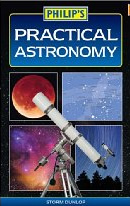 Practical Astronomy is a straight forward guide to the hobby of astronomy. If you are a beginner to astronomy then this is a perfect book to pick up and read.